Rustbox vs E2B: Choosing a Sandbox for AI Agents and Untrusted Code
Compare Rustbox and E2B for AI agent sandboxes, secure code execution, latency, persistence, custom environments, and untrusted-code workloads.
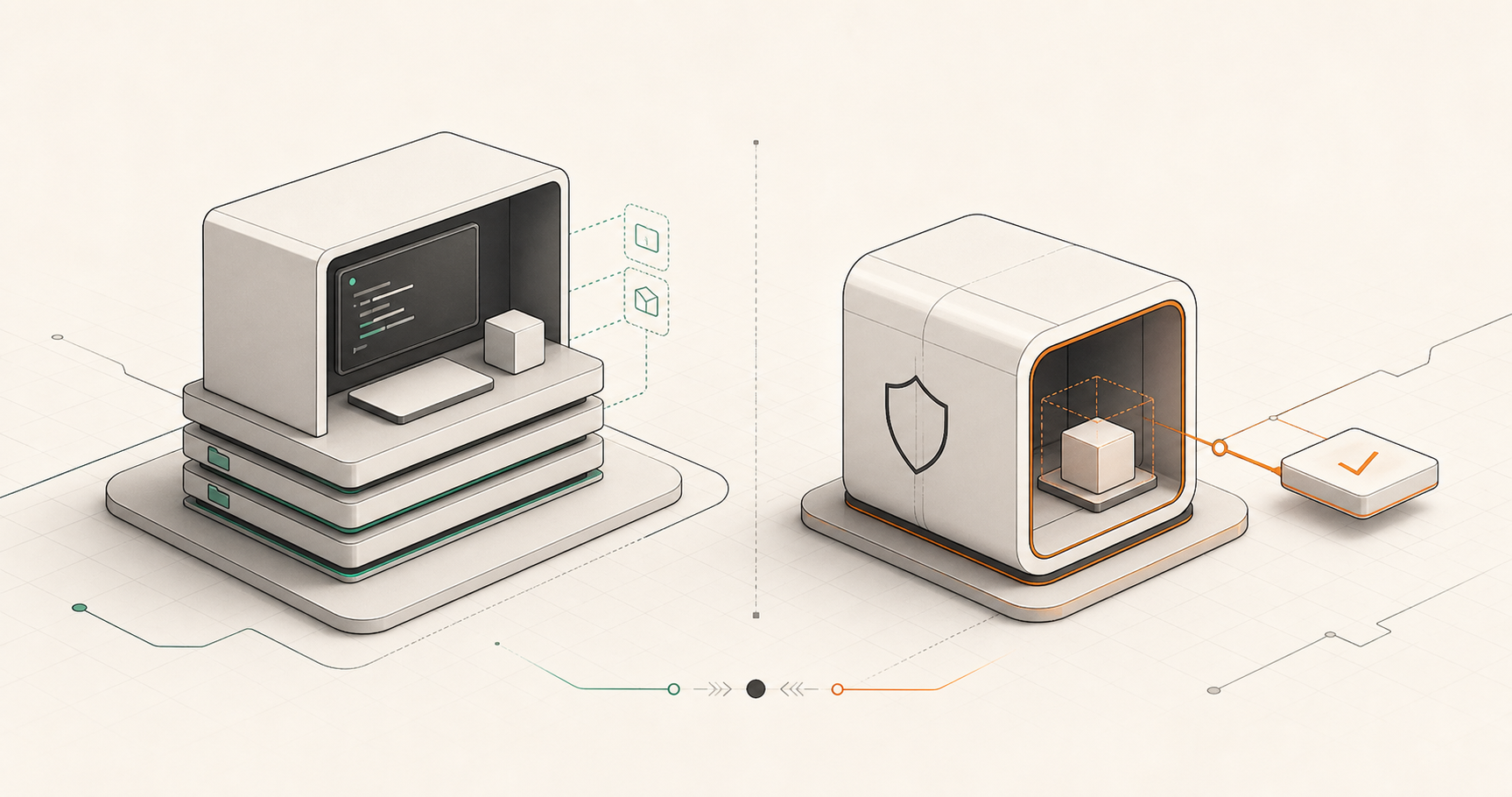
Rustbox and E2B both give AI systems a safer place to run code. However, they are built for fundamentally different workloads. E2B is closer to a full developer workstation for agents, while Rustbox is a highly focused cloud runtime optimized for fast, bounded execution of untrusted code from users, products, and LLM SDK workflows.
Quick answer: Rustbox or E2B?
The choice comes down to workload scope: Are you building a persistent workspace for an agent, or a fast execution boundary for a product?
Choose E2B when:
- Your agent needs terminal access and a full Linux environment.
- State (files, git, installed packages) must persist across turns.
- You need a sandbox that supports custom Docker templates.
Choose Rustbox when:
- You need to run untrusted code quickly and return a clear verdict.
- Low latency (milliseconds) is critical for candidate grading or user APIs.
- You want a managed product API with zero infrastructure overhead.
What each product is built for
E2B describes its sandbox as a fast, secure Linux VM created on demand for agents. Its SDK and documentation are directed at building coding agents, executing file operations, operating full interactive shells, and handling complex multi-step developer operations.
Rustbox is built to be narrower and faster. You send code, pick one of 8 languages, add any input, and get back what the program printed, any errors, the time, the memory, the limits and a clear result (for example AC ran fine, TLE too slow, MLE too much memory, RE crashed).
"A coding agent editing a repository for 20 minutes benefits from E2B's persistent workspace. A product executing a Python snippet to validate an answer or grade a student submission benefits from Rustbox's rapid, managed code execution boundary."
Sandbox isolation models
E2B relies on Firecracker-powered microVMs. This model isolates execution at the VM level, providing standard Linux file layout, shells, and package capabilities inside an isolated virtual container. It is a powerful pattern when an agent behaves like a human developer—running arbitrary packages, running custom background tasks, or interacting with a virtual disk.
Rustbox builds a locked-down box made for many quick runs. It uses protections built into the Linux kernel (namespaces, cgroups and seccomp) to control CPU, memory, processes and network access. The full list of layers is in the security docs.
Latency and session shape
How fast a run feels depends mostly on how fast its environment starts. This is where the two products differ most.
Start to finish (build the box, run, clean up) for a tiny JS program; Python is 47 ms.
To create a microVM on demand, which pays off over sessions lasting minutes.
When a user is waiting on many quick runs (like clicking "Run Code" in an assessment, or an AI tool call that needs an answer now), Rustbox keeps start-up short because each run is small. E2B is built for an environment that stays open for minutes while an agent works in it.
Environment flexibility and languages
E2B provides maximum environment flexibility. It supports custom Docker templates, letting you pre-bake specific operating system dependencies, packages, and startup files. If your agent requires a complex toolchain (e.g. LaTeX engines, custom databases, or arbitrary compiled binaries), E2B lets you construct a tailored VM template.
Rustbox supports a curated catalog of 8 languages: Python, C, C++, Java, JavaScript, TypeScript, Go, and Rust. By sticking to the main languages used in assessments, coding platforms and developer SDKs, we can keep each one fast. The trade-off is simple: less room to customise, in exchange for runs that are fast and predictable.
Network access and persistence rules
E2B allows full outgoing network access by default, which can be custom-routed or disabled. Its persistence model supports pausing and resuming sandboxes, preserving disk and memory state across hours.
Rustbox runs each job on its own, in a fresh box. Today every run has no internet at all, so code can't send data out. Controlled internet access, through a proxy that allows HTTPS on port 443 only with limits on data and speed, is coming with Sandboxes.
Feature comparison matrix
| Feature | Rustbox | E2B |
|---|---|---|
| Primary Workload | Fast run-and-return snippets | Interactive agent sessions |
| Typical start | ~35-47ms | 80ms – 200ms |
| State persistence | Nothing kept between runs | Persistent workspace (pause/resume) |
| Internet access | Off today; controlled HTTPS (port 443) coming with Sandboxes | Custom firewall routing |
| Result contract | A clear result with proof of what happened | Raw terminal streams |
| Custom templates | 8 ready-made language setups | Full custom Docker templates |
Frequently asked questions
Can Rustbox completely replace E2B?
It depends on your workflow. If your app triggers short-lived code runs, scores exercises, or runs generated code inside a tighter sandbox boundary, Rustbox provides a faster, fully managed replacement. If your agent is cloning repositories, editing multiple files, or compiling custom environments, E2B's microVM workspace is the correct fit.
Which is safer for running AI-generated code?
Both systems prioritize isolation. E2B uses MicroVMs to keep execution contained within a virtual system. Rustbox wraps untrusted execution inside strict cgroups, isolated namespaces, and tight seccomp profiles, returning automated verdicts when boundaries are breached.
How do I get started with Rustbox?
You can verify our latencies and integration flows by opening the Rustbox Quickstart Guide or reviewing the Benchmark Docs.
Ready to run untrusted code?
Integrate Rustbox inside your application in minutes. Choose sync, async, SDK, or webhook code execution paths.
Get started with Rustbox