Rustbox for AI Agents: Safer Code Execution Without Managing Infrastructure
Rustbox gives AI teams a safer code execution layer for agent-generated snippets without building and operating runner infrastructure.
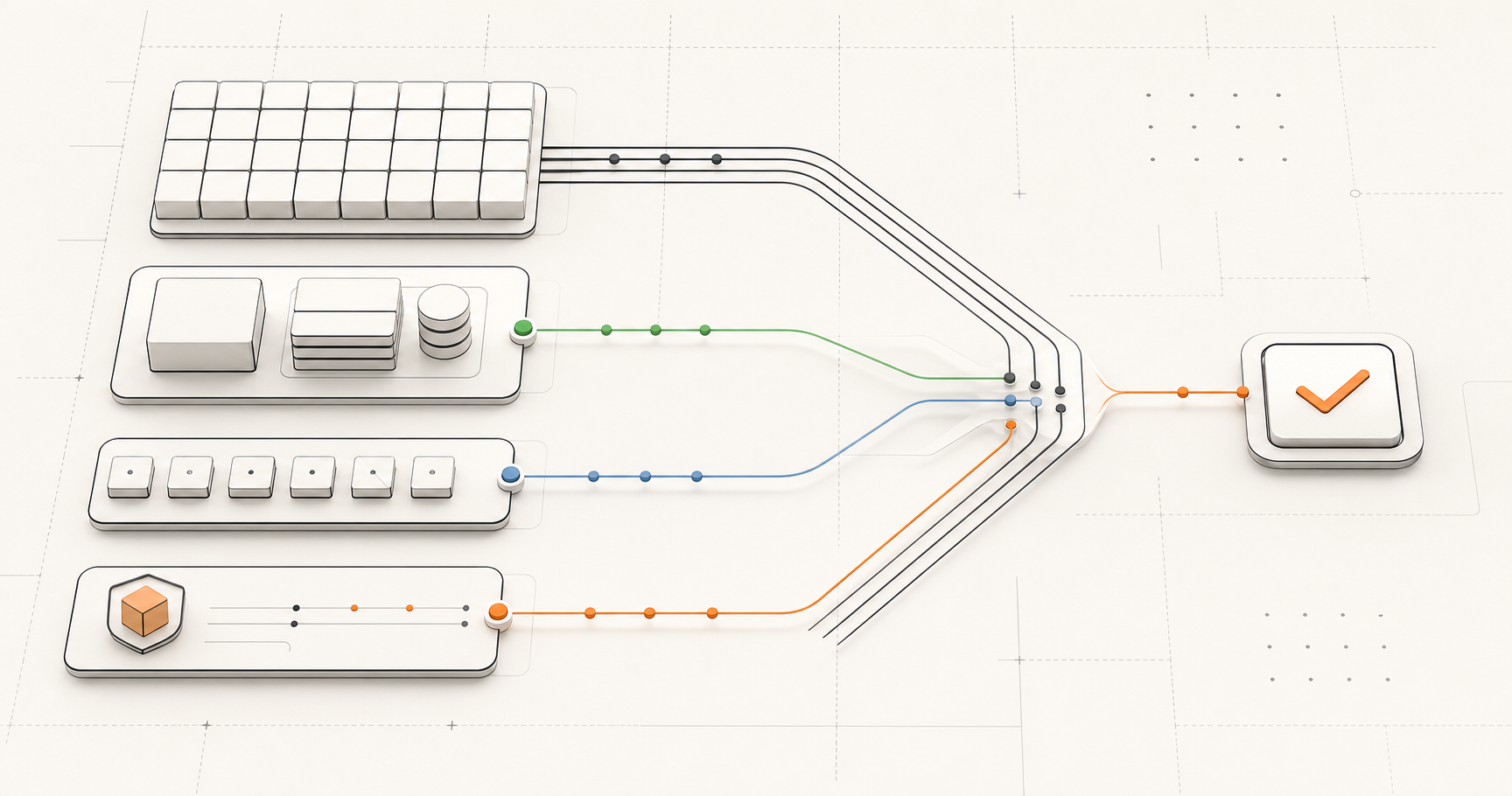
AI agents are useful because they can reason, write small programs, transform data, and call tools. That same flexibility creates a product problem: where should generated code run? Rustbox gives teams a controlled code execution API so agent workflows can use code without forcing your team to operate runner infrastructure.

Why AI agents need code execution
AI agents often reach for code when text is not enough. They may need to parse JSON, clean a CSV, calculate a number or check a generated answer. A short Python or JavaScript snippet can be the simplest tool for the job.
The catch is that generated code should not be treated like trusted application code. It can be wrong, inefficient, incomplete, or shaped by user input. Even when there is no malicious intent, the platform still needs limits, timeouts, output handling, and a clear way to know what happened.
Rustbox exists for that boundary. It gives your agent a place to run code and gives your product a structured result to inspect before the agent continues.
How an agent runs code with Rustbox
Adding a safe place to run code shouldn't make your system more complicated. Here is what happens when an agent needs to run code in the middle of a task, waiting for the result:
1
The model writes code
The agent decides it needs a calculation or a data change and writes a small, complete Python program for it.
2
Your app sends it
Your app catches the tool call, puts the code in a Rustbox API request and sends it to Rustbox.
3
Rustbox runs it in a box
Rustbox runs the code in a fresh, locked-down box with memory and CPU limits, and sends back what it printed, any errors and how much it used.
4
The agent carries on
The agent reads the result, adds the program's output to what it knows, and writes its answer.
The infrastructure problem behind agent code execution
A prototype code tool is easy to demo. The agent writes code, the backend runs it somewhere, and the output goes back into the model loop. Production is different.
Once customers rely on the agent, your team needs consistent language runtimes, request limits, job tracking, result storage, retries, usage controls, and a support story for failed runs. You also need to avoid mixing generated code execution with the rest of your application backend.
That is why managing code execution infrastructure can become a distraction. Your team wanted to build a better agent product, but it ends up maintaining a runner, queue, worker fleet, and result pipeline.
How Rustbox fits into an AI agent product
Rustbox is the place your agent's code runs. The agent decides it needs to run code. Your backend sends that code to Rustbox with a language and any input. Rustbox returns the output, the result and useful details like time and memory.
This keeps your system simple. The model picks a tool, your backend decides whether the request is allowed, Rustbox runs the code, and your agent gets a result it can use in the next step.
const execution = await client.run("python", "import json\nprint(json.dumps({'ok': True}))");For teams building agent workflows, the main benefit is focus. You can spend engineering time on prompts, tools, evaluations, product flows, and customer-visible reliability instead of maintaining your own code runner.
Internet access: off today, coming with Sandboxes
Agents need different amounts of internet. Today every Rustbox run is fully cut off. Controlled internet access comes with Sandboxes:
NO INTERNET (TODAY)
Fully cut off
The code has no internet and no network at all. Best for code you don't trust, grading, and private data that must never leave the box.
✓ No way to send data out
✓ Fewer ways to attack
✓ Strict CPU and memory limits
CONTROLLED INTERNET (COMING)
Only what you allow
With Sandboxes, an agent's internet traffic will go through a guarded proxy: HTTPS only (port 443), with limits on how much data moves and a list of blocked destinations.
✓ Call websites and outside APIs
✓ Allow or block sites and addresses
✓ Limits on how much data goes out
Agent workflow examples that fit Rustbox
Rustbox is most useful for short, bounded code tasks where the agent needs a deterministic tool result.
- Transforming data from one JSON shape into another.
- Checking calculations before the agent writes a final answer.
- Running small snippets generated from a user instruction.
- Testing examples before adding them to a report or answer.
- Executing language-specific helper code from an internal tool.
The pattern is not to let the agent do anything it wants. The pattern is to give the agent a narrow, observable execution tool with product limits around it.
How to integrate Rustbox with AI agents
Put Rustbox behind your backend, not directly in the browser. Your backend should decide which users, agents, or workflows can run code. It should also attach project or account context so usage and support records stay understandable.
Start with plain HTTP or one of the Rustbox SDKs. Wait for the result on the same request for short tool calls where the agent is waiting. Send now and check back later when the tool can carry on without it. Use webhooks if you want finished results sent to your system, so you don't have to keep checking.
Also keep the agent prompt honest. Tell the model what the tool is for, what inputs are allowed, and when it should avoid code. Safer execution infrastructure is useful, but product-level guardrails still matter.
Frequently asked questions
Can Rustbox be used as an AI code interpreter backend?
Yes. Rustbox can serve as the execution API behind an AI code tool or code interpreter workflow, especially when your product needs a clean request and result boundary.
Should AI-generated code run in my main backend?
Usually no. Generated code should be handled as a separate execution concern with clear limits, result capture, and observability.
Does Rustbox replace my agent framework?
No. Rustbox is the code execution layer. Your agent framework still manages reasoning, tool selection, memory, evaluation, and user experience.
Add controlled code execution to agent workflows
Start with the Rustbox quickstart, then connect direct HTTP or an SDK from your agent backend.
Open Rustbox quickstart